Focus Distance Recording
This update adds focus distance to the data you can record for each frame, giving you a more complete picture of your shooting settings. The update also includes several interface improvements that make entering and reviewing your frame data more convenient.
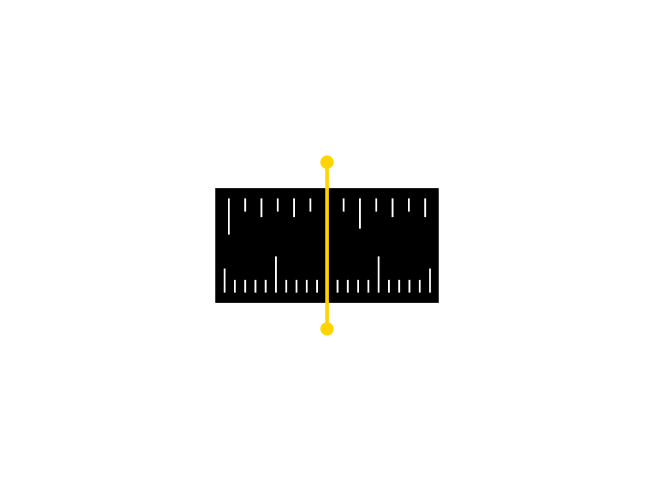
Track Your Focus Distance
When logging a frame, you can now record the focus distance alongside your other shooting data. Whether you were focused at 1.2 meters for a portrait or set to infinity for a landscape, this information is saved with each shot. The app reads your iOS regional settings and displays distances in meters or feet accordingly.
If you use Frames on Mac, this focus distance data can be written into the Subject Distance and Subject Distance Range fields of your EXIF metadata when exporting to DNG, JPG, or TIFF. Your focus settings stay with your scans, just like aperture and shutter speed.
Interface Improvements
Selecting focal length values is now easier, and the exposure compensation picker shows 0 EV instead of Not Set when no adjustment is recorded. Parameters also appear in a consistent order across the frame list and settings, making the app more predictable to use.
Improvements (6)
- Record focus distance for each frame with automatic unit selection based on iOS settings
- Easier selection when entering focal length values
- Exposure compensation picker now shows 0 EV instead of Not Set
- Consistent parameter order across the frame list and settings
- Various interface improvements
- Switch films from the recent list while the recorder stays open and updates automatically
Fixes (1)
- Focus Distance: Fix a bug where focus distances recorded in feet were saved as meters instead of converted.
Patches (2)
- 1.21.1: Minor UI Improvements
- 1.21.2: Switch films faster, fixed focus distance bug