Focus Distance in Sidebar and EXIF
This update brings focus distance support to the Mac app. If you record focus distance in Frames for iOS, that data now appears in the sidebar and gets written into the EXIF metadata when you export your scans. The update also improves how certain metadata values are handled and includes visual refinements for macOS Sequoia.
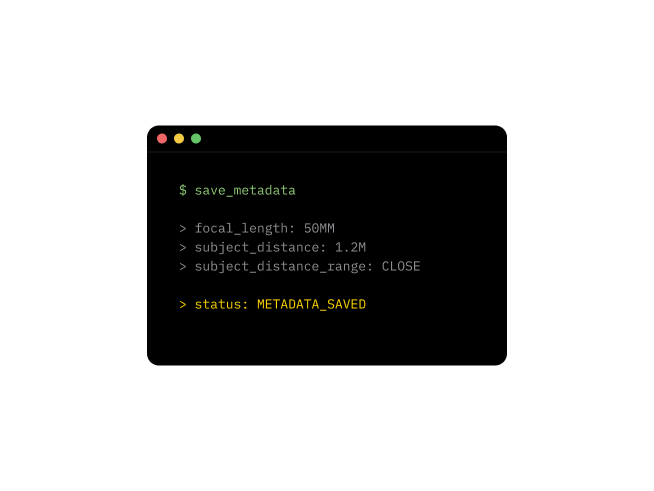
Focus Distance and Subject Distance Range
Focus distance is now visible in the sidebar alongside your other shooting data. When you export to DNG, JPG, or TIFF, this value is written to the Subject Distance field in the EXIF metadata. The app also calculates a Subject Distance Range by combining the focus distance with the focal length you used for the frame, giving image viewers and cataloging software more context about your shot.
This feature works with focus distance data recorded in Frames for iOS (version 1.21.0 and later). If you've been logging focus distance on your phone, that information now carries through to your exported files on Mac.
Improvements (6)
- Focus distance displayed in sidebar
- Subject Distance written to EXIF metadata for DNG, JPG, and TIFF exports
- Subject Distance Range calculated from focus distance and focal length
- Flash Off now written to metadata instead of being skipped
- 0 EV exposure bias now written to metadata instead of being skipped
- Visual refinements for macOS Sequoia, including sidebar appearance