Export Your Data as PDF or Spreadsheet

This update introduces three ways to export your shooting data: PDF documents ready for printing and archiving, CSV files for spreadsheet analysis, and an improved text format with full GPS coordinates. All export formats support right-to-left languages.

New Export Options

Many of you have asked for ways to get your data out of the app, whether for keeping physical records with your negatives or for analyzing your shooting habits in a spreadsheet. This update brings three different export formats, each designed for a specific purpose. You'll find these options in the share menu for any roll.

Frames film photography app showing export options for PDF, CSV, and text formats

PDF Export for Printing

The PDF export creates clean, well-formatted documents that look great on paper. These are perfect for printing and storing alongside your negatives, giving you a physical reference sheet for each roll. The layout is designed to be easy to read at a glance while including all the technical details you recorded.

CSV Export for Spreadsheets

If you want to analyze your shooting patterns or keep records in Excel, Google Sheets, or any other spreadsheet software, the CSV export has you covered. All your frame data imports directly with columns for every setting you recorded. This makes it easy to sort, filter, or create charts from your shooting history.

Improved Text Export

The text export now presents your data in a cleaner tabular format that's easier to read. It also includes GPS coordinates for each frame, so you have a complete record of where every shot was taken. This format works well for quick sharing or for copying into notes and documents.

Your Shooting Data, Your Way

The CSV and text exports include your complete shooting metadata: shutter speed, aperture, exposure compensation, focal length, flash, metering mode, date, time, location, lens, filter, and notes. The PDF export focuses on the most relevant settings to keep the printed layout clean and readable. All three formats support right-to-left languages such as Arabic and Hebrew.

Improvements (14)

  • Added PDF export for creating print-ready documents to store with your negatives
  • Added CSV export for importing frame data into Excel, Google Sheets, and other spreadsheet software
  • Improved text export with GPS coordinates and a cleaner tabular layout
  • Updated welcome screen
  • Improved accessibility with VoiceOver and Voice Control support
  • Added support for iOS 17
  • Expanded default aperture values up to f/128 for large format lenses
  • Improved toolbar performance and animations
  • Added swipe-to-move actions for films in the Trash
  • Added selection count when working with films inside a folder
  • Export button is now permanently visible for easier access
  • Added navigation subtitles for improved context on iOS 26
  • Added Library search field on iOS 17 and iOS 18
  • Added support for negative frame numbers

Fixes (8)

  • Toolbar animation: Restored smooth toolbar animation on iOS 26 following the 26.2 release candidate.
  • Text & Labels: Updated text and labels for clarity on the Settings and Subscription screens.
  • Picker values: Fixed picker values not updating for custom aperture and shutter speed sequences.
  • Folder film counts: Fixed folder film counts not updating correctly after deletions.
  • Swipe-to-delete: Fixed swipe-to-delete stopping to respond after using the recorder.
  • Confirmation popups: Fixed confirmation popups appearing in the wrong position when deleting frames or folders.
  • Map position: Fixed map position issues.
  • Folder sorting: Fixed folder sorting on the Home screen.

Patches (9)

  • 1.17.1: Toolbar animation fixes
  • 1.17.2: Text and label tweaks
  • 1.17.3: Performance, welcome screen, and accessibility improvements
  • 1.17.4: iOS 17 support and improved toolbar with expanded aperture values
  • 1.17.5: Bug fixes for folder counts, swipe actions, and map positioning
  • 1.17.6: Folder sorting, selection counts, and export improvements
  • 1.17.7: Navigation subtitles and Library search field
  • 1.17.8: Support for negative frame numbers
  • 1.17.9: Minor UI fixes and improvements

Lifetime Purchase Option Now Available

The lifetime purchase option that many of you asked for is finally here on iOS. Pay once, keep Frames forever on your iPhone, iPad, and Mac. Subscriptions now include the full Mac experience at no additional cost.

Own Frames Forever

A lot of you told me on Reddit and in emails that you’d rather buy the app outright than subscribe. I completely understand, there’s peace of mind in knowing it’s yours for good. So the lifetime purchase option is now available directly in the iOS app. One payment gives you every current feature, all future updates, and the full Mac app forever.

Frames for iPhone and Mac lifetime purchase option

If you prefer to keep subscribing, nothing changes for you, except that your existing iOS subscription now automatically unlocks the complete Mac app with metadata embedding included. No extra steps, no extra cost.

Small Polish Throughout

As always, a round of small refinements and interface polish, this time with particular attention to the recorder toolbar so everything feels just a little tighter and more pleasant to use.

Improvements (4)

  • Added lifetime purchase option in the iOS app (one-time payment, permanent ownership of iPhone, iPad, and Mac versions)
  • macOS app with metadata embedding now automatically unlocked for all active iOS subscribers at no extra cost
  • Minor interface refinements and improved toolbar contrast
  • Added reset button in toolbar to quickly restore adjusted settings to their original values

Patches (2)

  • 1.16.1: Toolbar Reset Button
  • 1.16.2: UI polish and text tweaks

Unified Subscription for Full Access

The Mac app is now integrated into your iOS subscription, unifying the Frames ecosystem for easier access and management across devices.

Unified Pricing for the Frames Ecosystem

Based on feedback from the analog photography community, I've refined the pricing model. The Mac app no longer requires a separate subscription, it's now included with your iOS subscription at no extra cost. This unification makes it simpler to enjoy the complete Frames experience, from noting film details on iOS to integrating metadata into scanned images on Mac.

Apple purchase icon representing the new Frames film photography app lifetime plan option

Sidebar Polish

The sidebar has been updated with improved colors that provide better contrast, making it easier to read and navigate your film metadata. Small change, but it makes a noticeable difference when you're working through your archive.

Improvements (3)

  • Mac app now included with iOS subscription at no extra cost
  • Improved sidebar colors for better contrast and readability
  • Minor interface refinements

Redesigned Toolbar & Smoother Experience

The recorder toolbar gets a significant update with a more practical layout that keeps all your essential controls visible and accessible. Combined with refined animations and better performance, recording your shots now feels faster and more responsive.

Always-Visible Toolbar Controls

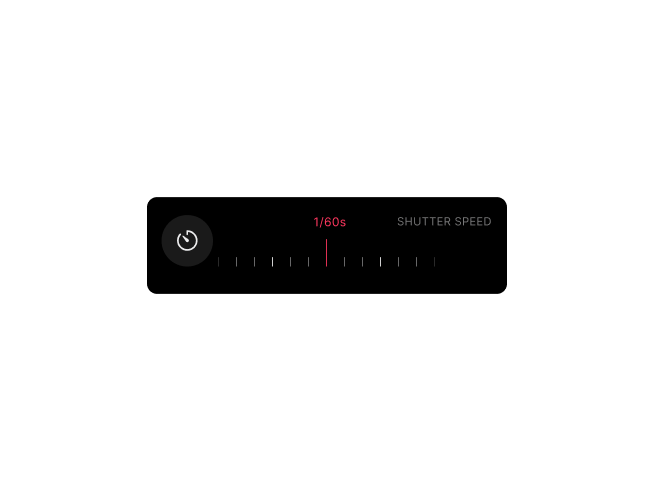
For iOS 18 users, the recorder toolbar now displays all your essential controls at once, bringing it in line with the layout iOS 26 users have been enjoying since the previous update. Frame number, aperture, shutter speed, exposure compensation, and flash are always visible, no more scrolling to find what you need. A dedicated button gives you quick access to additional settings when needed, keeping the interface clean while ensuring everything is within reach.

Whether you're on iOS 18 or iOS 26, you'll notice improved animations and better performance throughout the toolbar. The result is a more practical, easier-to-use interface that gets out of your way when you're focused on shooting.

Frames film photography app with redesigned recorder toolbar showing all controls visible

Refined Animations and Performance

The animations when adjusting settings are now smoother and more responsive. Transitions between controls feel snappier, and the overall experience is noticeably faster. These improvements make recording frames feel more fluid, whether you're quickly documenting settings or taking your time to dial in precise values.

Improvements (4)

  • Brought iOS 18 toolbar design in line with iOS 26 for a consistent experience
  • Improved animations when displaying and adjusting control values on both iOS 18 and iOS 26
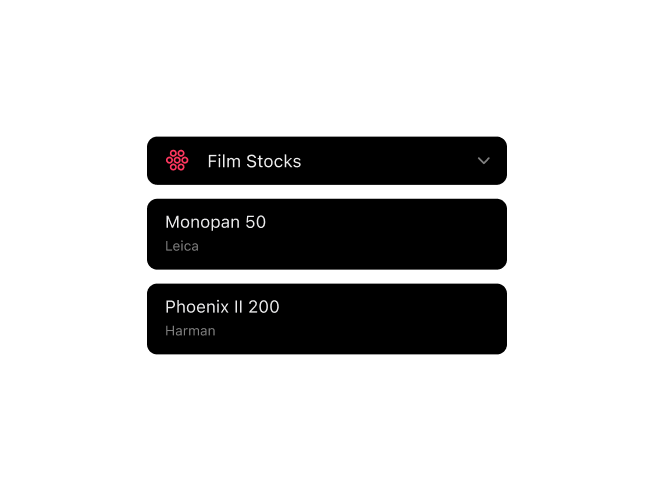
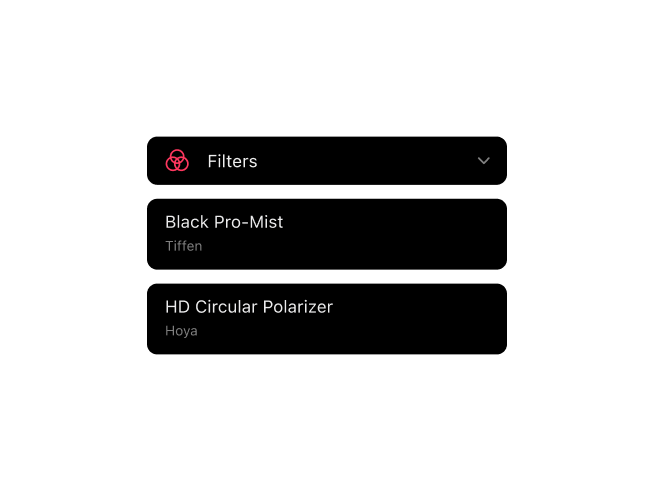
  • Added icons to camera, lens, filter, and film stock labels for clearer identification
  • Reduced lag when switching between toolbar controls

UX Improvements for Better Productivity

Streamlined macOS experience with enhanced keyboard shortcuts, intelligent sidebar memory, and refined interface polish for a more efficient and productive metadata workflow.

Enhanced Keyboard Navigation

The ESC key now joins the existing keyboard shortcuts to make your workflow even more fluid. Press ESC to quickly deselect a frame and return to the film overview in the inspector, seamlessly switching between frame and film details without interrupting your focus. Combined with arrow key navigation, Return to attach images, and Delete to remove them, you now have complete keyboard control over your metadata workflow.

Frames macOS app with enhanced keyboard navigation and refined interface for efficient film metadata workflow

Smarter Sidebar & Refined Interface

The sidebar now intelligently remembers which sections you prefer expanded or collapsed—whether it's cameras, lenses, filters, film stocks, GPS coordinates, map, or image preview. Your workspace stays organized exactly the way you like it, saving time and reducing friction in your daily workflow.

The toolbar has been refined for macOS Tahoe with improved spacing that highlights the Export button, making it easier to locate at a glance. The enhanced visual hierarchy creates a cleaner, more professional appearance while maintaining the same familiar functionality. Plus, the app icon has been updated to match the iOS version for a unified experience across all your devices.

Improvements (4)

  • Added ESC key to deselect frames and switch between frame and film details
  • Sidebar sections (cameras, lenses, filters, film stocks, GPS, map, image preview) now remember their expanded/collapsed state
  • Enhanced toolbar spacing to highlight the Export button and improve visual hierarchy on macOS Tahoe
  • Updated app icon for consistent appearance with iOS app